
Introduction: Choosing the Right Tool for Tech Pack Success
For fashion professionals, the right tool for tech packs can shape an entire production season. If you’ve ever wondered whether to stick with trusty Excel, upgrade to a platform like Techpacker, or leap into 3D with CLO3D, you’re not alone. Each option—a spreadsheet, collaborative PLM, or immersive 3D environment—offers different strengths for brands, designers, consultants, and manufacturers. In this guide, we’ll unpack Excel vs. Techpacker vs. CLO3D: Which Tool is Best for You?, focusing on speed, cost, teamwork, and real business impact in fashion development.
Understanding Tech Pack Essentials
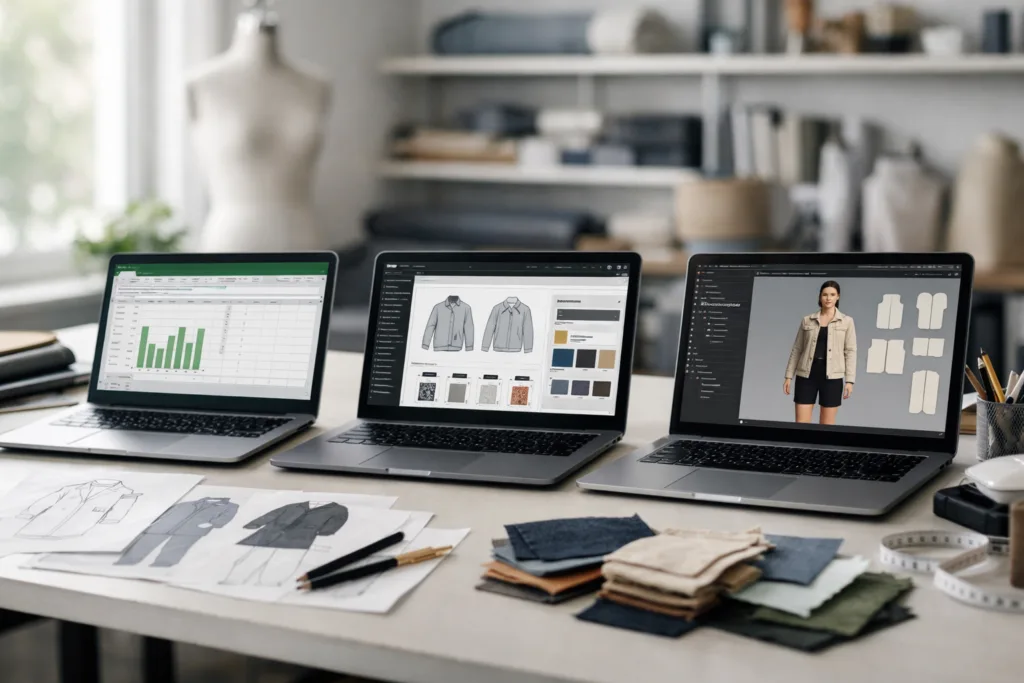
A tech pack is your apparel production blueprint—spec sheets, measurements, material callouts, trims, artwork, and everything your factory needs for reliable manufacturing. Choosing the right tool affects how clear, fast, and accurate your instructions will be. Many teams start with Excel, but is it the most efficient or cost-effective in 2024?
Excel: The Classic Spreadsheet Approach
Microsoft Excel has long been the entry point for tech pack creation due to its universal access and flexibility. Most factories are familiar with spreadsheet-based instructions. In Excel, you can create tables for measurements, sketches, fabric lists, and construction notes—all in one file. It’s quick to edit and share, making it ideal for small brands or those beginning their sourcing journey.
Key Benefits of Excel for Tech Packs
- Low to no software cost (most users already have Excel or Google Sheets)
- Universally accepted file format
- Flexible and easily customized templates
- Simple for tracking small batch or single style projects
Limitations of Excel for Growing Brands
- Labor intensive: manual updates and error-prone copying
- No real version control—files multiply quickly
- Difficult to manage for large collections (hundreds of SKUs)
- Collaboration is clunky; feedback & comments can get lost
- Not built for image annotation or 3D views
For brands starting out, Excel offers low barriers to entry. But as collections grow in size or complexity, mistakes can snowball and cost you on the factory floor. For more insight, check out common tech pack mistakes and how to avoid delays.
Techpacker: Modern PLM for Team Collaboration
Techpacker is a web-based platform built to streamline tech pack creation, centralize information, and keep everyone from designers to manufacturers aligned. Think of it as Excel optimized for the garment industry, layered with powerful collaboration and version control tools. Brands using Techpacker often see less email chaos, fewer miscommunications, and easier handoffs—even when a project moves between teams or countries.
Advantages of Techpacker
- Automatic versioning, change tracking, and history logs
- Cloud access—work from anywhere, with anyone
- Drag-and-drop building blocks (“cards”) for repeat details/trims
- Direct comments, annotation, and real-time updates
- Integrations with platforms like Adobe Illustrator and Shopify
Ninghow Apparel notes that with clients adopting modern PLM tools, fewer mistakes creep into production because dimensions, callouts, and BOMs (bill of materials) are controlled centrally—not by forwarding endless email attachments. This makes troubleshooting and pre-production sampling smoother and more transparent.
When Techpacker Pays Off
- Brands with frequent collection updates or seasonal launches
- Teams working remotely or across multiple regions
- Startups wanting to streamline communication with factories
- Anyone needing to create, update, and share tech packs quickly
Of course, Techpacker comes with a subscription cost, but it can quickly balance out by reducing delays, rework, and miscommunications. Learn more about professional tech pack building in this step-by-step tech pack creation guide.
CLO3D: Next-Level Precision with 3D Simulation
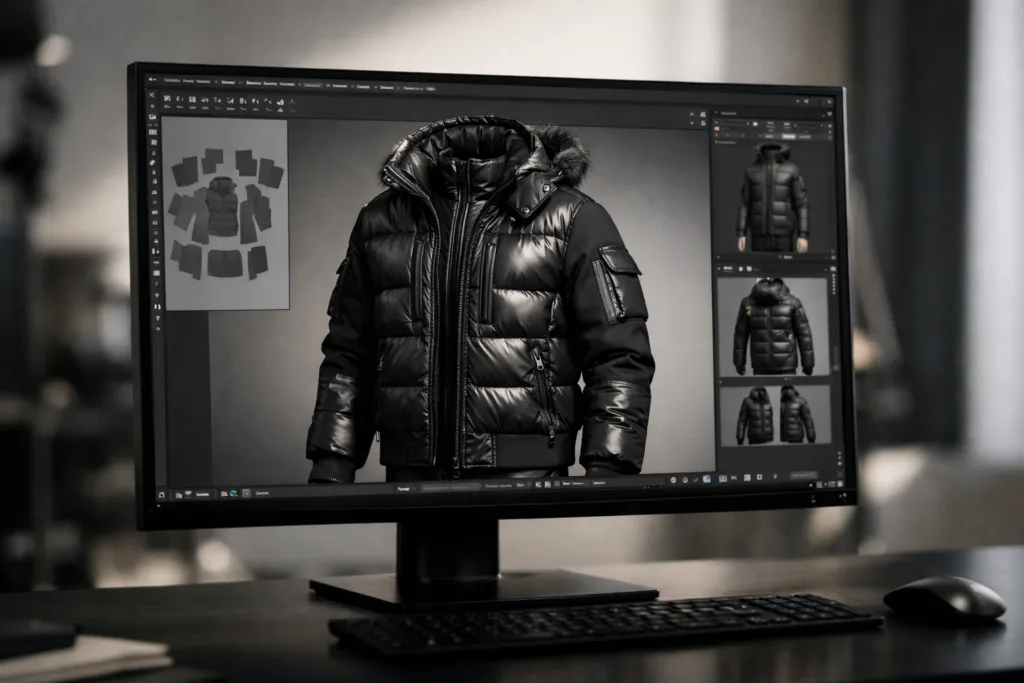
CLO3D transforms flat sketches and specs into fully realized 3D garments. Unlike Excel or Techpacker, which focus on documentation, CLO3D lets you simulate fit, drape, and construction before sewing a single sample. Brands serious about reducing sampling rounds and improving speed-to-market are looking at 3D design for problem solving early.
Strengths of CLO3D
- Visualize true-to-life fit and proportion instantly
- Catch pattern or fit issues before production (save fabric, time, and costs)
- Generate digital samples for remote approval or sales
- Supports virtual showrooms and e-commerce mockups
However, CLO3D has a learning curve and requires stronger hardware. It shines for technical designers, outerwear development, or brands iterating between physical and virtual collections.
Who Should Consider CLO3D?
- Brands managing multiple size or fit blocks
- Collections with complex construction (e.g., outerwear, activewear, swim)
- Designers focused on speed, sustainability, and fewer physical samples
- Companies moving toward full digital/virtual workstreams
Still, many factories are not ready to accept 3D files as a substitute for 2D specs and measurements. It’s wise to confirm your manufacturer’s capability for 3D workflows during initial sampling and production discussions.
Comparison Table: Excel vs. Techpacker vs. CLO3D
| Feature | Excel | Techpacker | CLO3D |
|---|---|---|---|
| Cost | Low / Free | Monthly Subscription | Higher upfront (plus hardware) |
| Learning Curve | Easy/Beginners | Moderate | Advanced |
| Collaboration | Basic (via sharing/email) | High (real-time cloud) | Some (with additional tools) |
| Version Control | No | Yes | Partial (depending on system) |
| Image/3D Views | 2D only | 2D with annotation | Full 3D simulation |
| For Small Brands | Yes | Yes | Optional (if skilled team) |
| For Large Teams | No | Yes | Yes (if supported by PLM) |
| Manufacturer-Ready Output | Yes | Yes | Requires export to 2D |
Key Factors: Speed, Cost, and Error Reduction
When comparing Excel vs. Techpacker vs. CLO3D: Which Tool is Best for You?, consider these production realities:
- Speed: Techpacker and 3D tools speed up communication and cut sample time, but require initial setup and training. Excel is faster for small or one-off projects.
- Cost: Excel wins on budget, but hidden costs emerge with mistakes and delays in larger collections. Techpacker sits in the middle— monthly subscription, but less firefighting. CLO3D is an investment for design-driven or highly technical teams.
- Error reduction: Versioning, annotation, and auto-updating BOMs in Techpacker and CLO3D help capture changes, compared to manual file juggling in Excel.
For a helpful look at costs in production, learn to calculate landed costs step-by-step here.
Case Study: Startup Brand Workflow Example
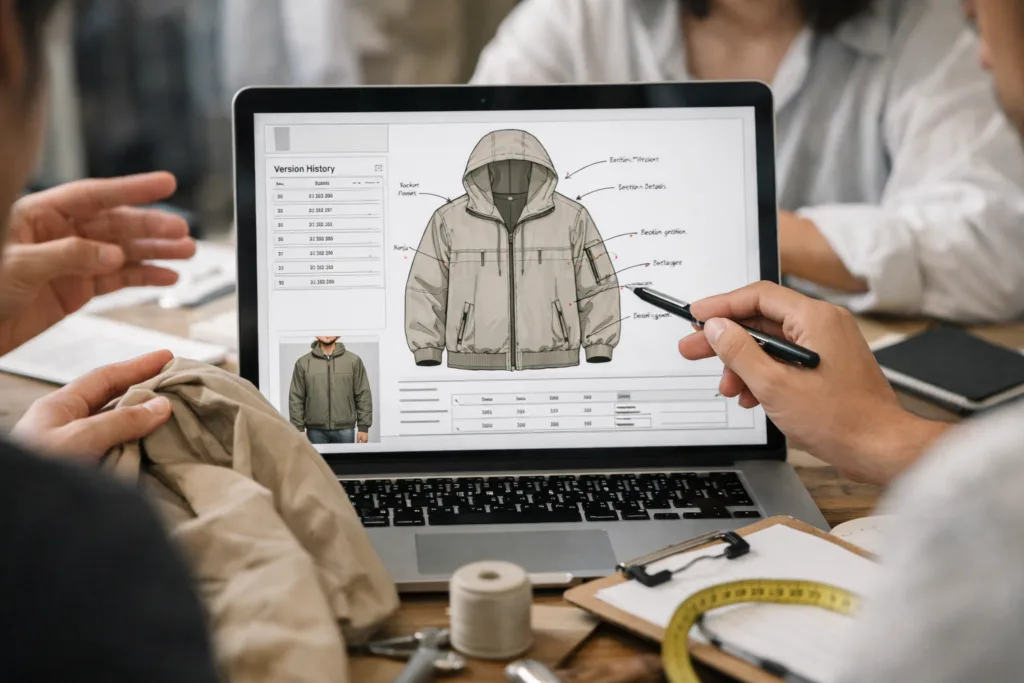
Imagine a streetwear startup launching 8 styles per season. They begin with Excel for cost reasons but quickly realize line sheets, colorways, and feedback chains get tangled by season two. After switching to Techpacker, their design team and manufacturer can edit, annotate, and approve details in real time—no more “Which is the final file?” headaches. As they grow, their outerwear line evolves, so they experiment with CLO3D for better fit visualization and less prototype waste. The cycle from sketch to production tightens, and costly revisions drop.
Industry Insights: Manufacturer Perspective
From the manufacturer side, clear tech packs lower the odds of misunderstandings and costly production mishaps. Ninghow Apparel sees the most production errors when details are hidden in email threads or old files, especially when changes aren’t clearly tracked. For example, button placements or trim changes get missed in Excel when files are copied multiple times. With PLM/3D tech, those adjustments lock into the master file, visible to every stakeholder—there’s less second-guessing at the factory cutting table.
Ease of Onboarding: Training & Team Ramp-Up
One barrier for new tools? Team training. Most new hires know Excel or Google Sheets, meaning onboarding is a breeze. Techpacker offers onboarding resources and template libraries; teams usually reach comfort within 2–3 weeks. CLO3D, meanwhile, has a steeper learning curve (from patternmaking, virtual fabric application, physics simulation), so expect a few months of ramp-up but tremendous payoff for complex designs and fit testing.
Data Security, Cloud Storage, and Platform Reliability
Spreadsheets pose risks—lost files, outdated versions, or accidental overwrites, especially if you juggle multiple seasons. Web platforms like Techpacker provide built-in backups, cloud storage, and strict user permissions. CLO3D projects also need careful storage (file sizes can be large); some teams integrate 3D files back with PLM for backup and sharing. Ultimately, securing your IP and ensuring reliable access is as vital as design itself.
Which Tool is Best for You? Scenario Match Guide
- If you’re a solo designer or cost is key: Start with Excel/Google Sheets. Use available templates.
- If you juggle multiple product categories, teams, or seasons: Techpacker or another cloud PLM tool saves time and confusion.
- If 3D visuals speed approvals, fit checks, or marketing: Add CLO3D. Expect an investment in skills and hardware.
- If you hand off directly to global factories: Confirm which tech pack format your manufacturer supports. Many accept Excel/Techpacker, but 3D is still emerging.
For more on differentiating product documents, see tech pack vs. spec sheet explained.
Conclusion: Find Your Ideal Tech Pack Process
The right balance among Excel, Techpacker, and CLO3D depends on your production volume, complexity, team size, and appetite for digital change. Spreadsheets work for simple setups but grow risky as your business scales. Cloud-based PLM saves time and error costs for collaborative teams. 3D simulation future-proofs your process, especially as more brands and manufacturers pursue digital sampling and rapid prototyping. Experiment and revisit your workflow at least once per season—the right tools will sharpen your creativity and safeguard your bottom line.
Frequently Asked Questions
Can you use Excel for tech packs in 2024?
Yes—Excel is still widely accepted, especially in smaller brands or with experienced manufacturers who know your format. However, for growing teams and complex collections, PLM tools or 3D platforms offer stronger collaboration, version control, and error reduction, streamlining communication and avoiding costly mistakes.
What is the biggest risk with Excel tech packs?
The main risk is manual error: missed updates, hidden changes, and lost files when versions proliferate. These mistakes cause sample rejections and expensive production delays, affecting delivery schedules and margins.
When should a brand switch from Excel to Techpacker?
If your team manages multiple seasons, styles, or vendors, or if tech pack confusion causes mistakes or communication breakdowns, it’s time to upgrade. Techpacker’s cloud features centralize data, clarify changes, and scale smoothly with growth.
Is CLO3D better for all apparel businesses?
Not always. CLO3D is ideal for technical product categories, complex fit, or brands focused on design visualization, sustainability, or digital showrooms. Some factories still need 2D tech packs or spec sheets alongside 3D files, so assess your partners and workflow before adoption.
How long does it take to learn Techpacker or CLO3D?
Techpacker onboarding usually takes a few days to a couple of weeks for most users—thanks to templates and tutorials. CLO3D requires more substantial training (a few weeks to months), especially to master pattern simulation and virtual fit testing.
Which format do most factories accept?
Most manufacturers accept Excel or PDF tech packs for direct sampling and quoting. Techpacker can export to these universal formats. Confirm with your supplier if they’re ready for digital (PLM/3D) workflows, as adoption varies regionally and by technical complexity.
Related Reading
- The Ultimate Guide: Why Tech Packs Are a Must-Have for Apparel Brands
- Private Label Clothing Manufacturing: Unlocking Brand-Building and Cost-Saving Strategies
- Step-by-Step Apparel Manufacturing: Turning Designs into Reality
- Sustainable Swimwear Materials: Making Eco-Friendly Choices Simple
- Custom Sizing Solutions for Apparel: How Brands Achieve the Perfect Fit