
Introduction: Why Every Apparel Brand Needs a Downloadable Tech Pack Template
A downloadable tech pack template is the foundation of smooth apparel production. Whether you’re prototyping a minimalist streetwear line or refining a custom hoodie series, the success of your process hinges on communication with your factory—most critically, through a clear and complete garment specification sheet PDF. But what exactly goes into a professional tech pack? In this guide, we break down each essential section, explain what needs to be filled, and equip you with a downloadable resource to streamline your apparel journey.
What Is a Tech Pack? Discover Why It’s Every Fashion Brand’s Must-Have Blueprint

A tech pack—short for technical package—is a master document that communicates design, construction, materials, and quality expectations to your factory. It’s both a contract and a roadmap that cuts miscommunication, prevents costly mistakes, and helps brands of any size (from startup to global) manage production like a pro.
Downloadable Tech Pack Template: Essential Sections Explained
Ready to get started? Below, you’ll find direct guidance on each section found in a downloadable tech pack template, explaining what information to fill and why it matters. Grab your free tech pack template and let’s walk through the essentials—from first concept to production sign-off.
Overview Page: The Foundation of Clarity
The overview section gives factories a top-down view of the style. Fill out:
- Brand Name / Logo: Identifies you; ensures no mix-up.
- Style Number & Name: Unique codes to track samples and production.
- Season: (e.g., SS24) Useful for inventory and timing.
- Designer & Contact Info
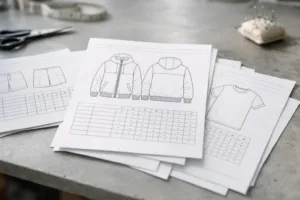
Attach a flat sketch for instant visual reference. Remember, a strong overview prevents confusion later down the line.
Flat Sketches: Visual Precision for Every Style
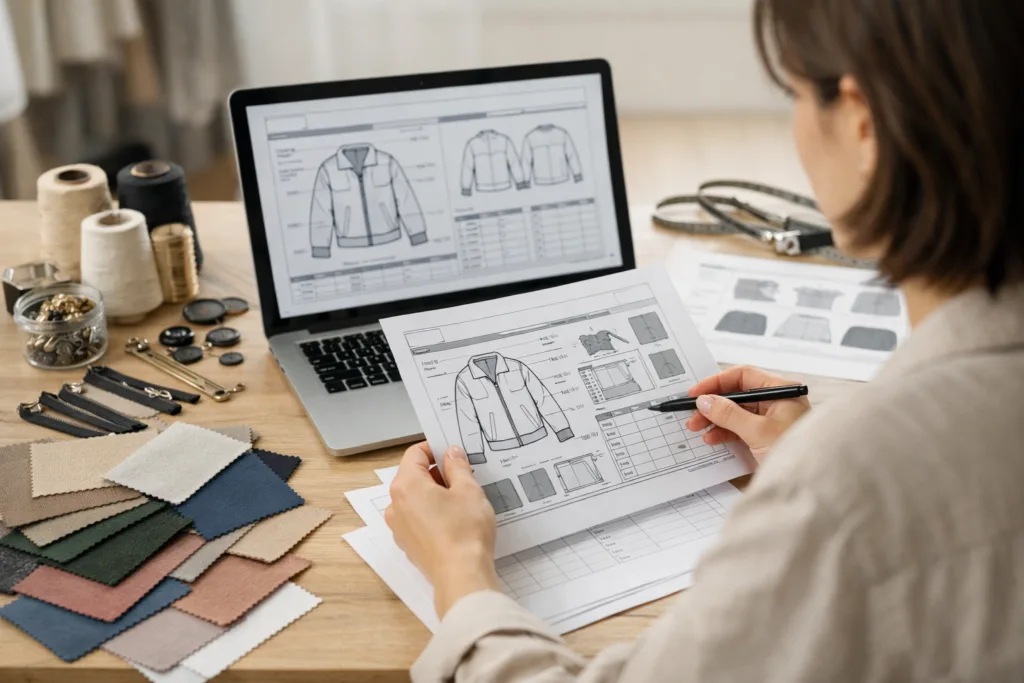
Include high-quality flat (technical) sketches of the front, back, and detail views. Whether you draw by hand or use Adobe Illustrator, ensure your sketches are clear and accurate. Detail all seams, topstitching, pockets, and placement lines—these become “instructions” for the sewing floor. If you supply artwork files, name them by style code and ensure layers are organized.
Bill of Materials (BOM): List Every Fabric and Trim
The BOM is the soul of your tech pack. List every material—main fabric, lining, rib, thread, labels, buttons, zippers:
- Component Name (e.g., main body, pocket lining)
- Material Type (e.g., 100% cotton jersey)
- Supplier or Source
- Color/Code
- Quantity or Yield Required Per Garment
- Placement (if not obvious)
Double-check your BOM: missing or ambiguous entries are a leading cause of sampling delays—and often more expensive mistakes down the production line. For further insights, factories like Ninghow Apparel emphasize the importance of honest, accurate BOMs for cost control and sample fidelity.
Measurement Specs (Spec Sheet): Unlock Consistent Fit
Your measurement specification sheet (often exported as a PDF) is a table capturing all key points of measurement (POM). Each size gets a column. Fill for each POM:
- Measurement Point (e.g., chest width, sleeve length, total body length)
- How to Measure (diagram/notes help!)
- Sizes (XS-XXL or custom)
- Tolerance (+/- mm or inches)
These specs are the standard by which production samples and bulk goods are judged. For start-to-finish consistency, check out tools for customization and sizing.
Construction Details: Make or Break Instructions
This section details how the garment is to be sewn. Include:
- Stitch types (e.g., flat lock, overlock, single needle)
- Seam finishes (e.g., serged, clean finish, raw edge)
- Any reinforcement or taping points
Photos or close-up diagrams can cut misinterpretation—making improvements in sample rounds fast and clear.
Colorways & Artwork Placement: No Surprises
List all intended colors, Pantone codes, or swatch numbers. If you have prints, embroidery, or patches:
- Attach labeled artwork files
- Map placements on the flat sketches with call-out notes (e.g., “embroidery, left chest”)
- Specify print/embroidery size and technique
For small runs or custom items, clarify if some trims change by colorway or stay the same in all versions.
Label & Packaging Details: It Pays to Be Specific
Add diagrams or images for label placement (main label, size tag, care label, hangtag). For packaging, specify:
- Folding method
- Type/size of polybag or box used
- Barcodes or stickers—including position
Factories often need to optimize packaging for sea or air shipment; including this page shows you know your business.
Sample Comments & Revision Tracking
This log shows all feedback and approvals as you go through the fit and pre-production sample process. Good practice:
- Date each change request and approval
- Attach photos with highlights/callouts for issues
- Track version numbers (Tech Pack v1, v2… etc.)
This history reduces confusion and keeps all parties accountable.
Testing & Compliance: Know Your Specs Are Met
If applicable, include requirements for lab tests (flammability, colorfastness, shrinkage), certifications (e.g., OEKO-TEX, GOTS), or other compliance guidelines. This is crucial for children’s wear, swimwear, or selling into specific regions.
Production Timeline & Key Milestones
A simple table with dates for each step helps everyone align expectations:
- PO received
- Sample delivered
- Lab dip approval
- Bulk fabric in-house
- Ex-factory/Shipment
Timelines speed up communication and surface bottlenecks early.
Contact Page: Who Handles What?
A grid introducing every stakeholder (designer, merchandiser, QC manager, logistics contact), including email and phone, ensures there is never a gap or dead end when urgent issues arise.
Optional: Costing Sheet for Streamlined Negotiations
Some brands or factories like including a costing breakdown (materials, trims, labor, packaging, overhead, margin). Filling this sheet gives leverage in negotiation but is not always required for the initial tech pack. You can learn more about how costing varies between freelancers and factories.
How to Use Your Downloadable Tech Pack Template Step-by-Step
1. Download the template (Excel, Google Sheets, or PDF).
2. Fill in each section—sketch, measurements, BOM, etc.—with as much detail as possible.
3. Review with your designer and production lead for gaps or ambiguous instructions.
4. Send the completed tech pack PDF to your manufacturer.
For ongoing projects, duplicate the file and version it (e.g., “Style-2024-v3.pdf”).
Pro tip: Save time and errors by color-coding or highlighting new changes for each version.
Common Tech Pack Mistakes (and How to Avoid Them)
- Missing trim or colorway details (leads to “surprise” samples)
- Spec sheet tolerances are too tight/unrealistic (manufacturing can’t hit them)
- Unclear seam or print placements (QC rejects bulk goods for “wrong” position)
- Poor version control—feedback gets lost, errors multiply
For a full breakdown (with real-world examples), see the guide on mistakes that delay production.
Tips from Manufacturing Experts: How to Get the Best Results
- Start with your end goal—who is wearing it, when, and where?
- Over-communicate (good tech packs clarify, not confuse)
- Work closely with factory patternmakers to ensure fit specs actually work in their environment
- Always approve lab dips and samples in real light and use scenarios
- Update the tech pack with each agreed change (never assume memory beats paper)
“In our experience at Ninghow Apparel, fit specs that match intended fabric stretch and finishing detail early on slash remake rates. It’s better to over-document than to risk even a minor spec error carrying through to thousands of units.”
Tech Pack vs Spec Sheet: What’s the Difference?
A spec sheet covers sizing and fit, while a complete tech pack includes all supporting details (BOM, artwork, construction, and more). For most projects, you need both. Curious about the distinction? Check the resource explaining tech pack vs spec sheet in depth.
Digital vs. PDF Tech Pack Files: Pros and Cons
| Format | Pros | Cons |
|---|---|---|
| Excel/Google Sheets | Easy edits, collaboration, version tracking | Prone to accidental overwrites |
| Locked, universally shareable, version control | Harder to edit for minor changes | |
| Specialized Tools (e.g., Techpacker, CLO3D) | Visual, integrates with patternmaking | Learning curve, software cost |
Pick what fits your workflow; some factories still prefer classic Excel, others upgrade to tech pack platforms. For a full comparison, see Excel vs Techpacker vs CLO3D.
Lead Magnet: Claim Your Free Tech Pack Template (Excel, PDF, Google Sheets)
Download our tech pack template, ready to fill out for your next apparel style. Fill in the sections as outlined above to keep your sample rounds focused, your communication crystal-clear, and your production on track. Click ‘Download’ to access your file.
Conclusion: Ready for Production Success?
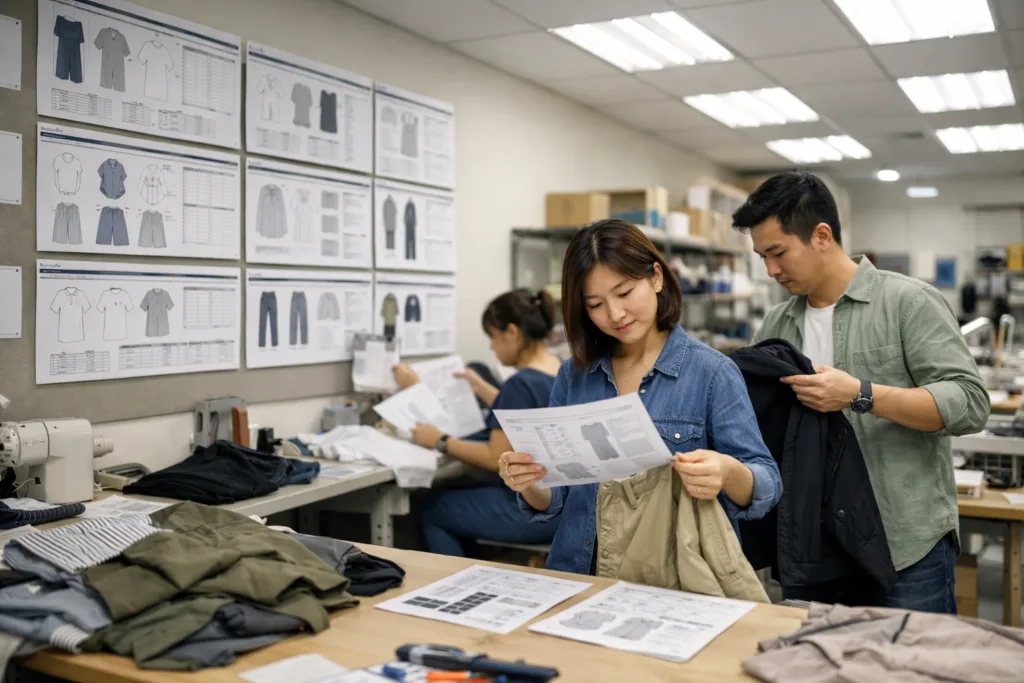
A clear, detailed tech pack template transforms your fashion idea into a production-ready reality. Fill out every section—from sketches and measurements to BOM and packaging—to empower your factory, reduce risk, and grow your brand with less guesswork. Use your downloadable tech pack as a living document, updating and refining with every project for continuous improvement. Your production floor—and your bottom line—will thank you for it.
Frequently Asked Questions
What is the difference between a tech pack and a spec sheet?
A tech pack is a complete blueprint including design, materials, fit, and construction instructions, while a spec sheet only lists garment measurements for different sizes.
What file formats are best for sharing a tech pack?
PDFs are reliable and universally readable; Excel or Google Sheets are good for collaboration and versioning. Use what your factory prefers.
How detailed do sketches need to be in a tech pack?
Sketches must be clear and technical—showing all important stitching, features, and placement. They don’t need to be artistic, just accurate for manufacturing.
Can I reuse my tech pack template for multiple styles?
Yes—start from your base template and duplicate for each new style, adjusting BOM, measurements, and artwork as needed.
How do I keep track of sample comments and approvals?
Log every comment and approval by date/version in a dedicated section, attaching annotated photos for clarity and accountability.
Why do production experts emphasize the BOM (Bill of Materials)?
The BOM ensures nothing is missed, keeps costing accurate, and avoids mistakes in sample or bulk production. Precision here saves time and money.
Related Reading
- Complete Guide: Tech Pack Creation—From Concept to Approval
- Build Your Brand: Insider’s Guide to Private Label Manufacturing
- From Sketch to Store: Step-by-Step Apparel Manufacturing
- Spotting Quality Issues: Essential Sample Vetting Tips for Brands
- Master Manufacturing Agreements: 9 Critical Clauses You Can’t Overlook