



NINGHOW APPAREL / RESOURCES
Keep the right technical file connected to the right garment.
Organize specifications, measurements, artwork and sample feedback with Ninghow Apparel. Request the product-specific information your team needs, or send your own files for review.
FILE / PURPOSE
Choose a document by the decision it supports.
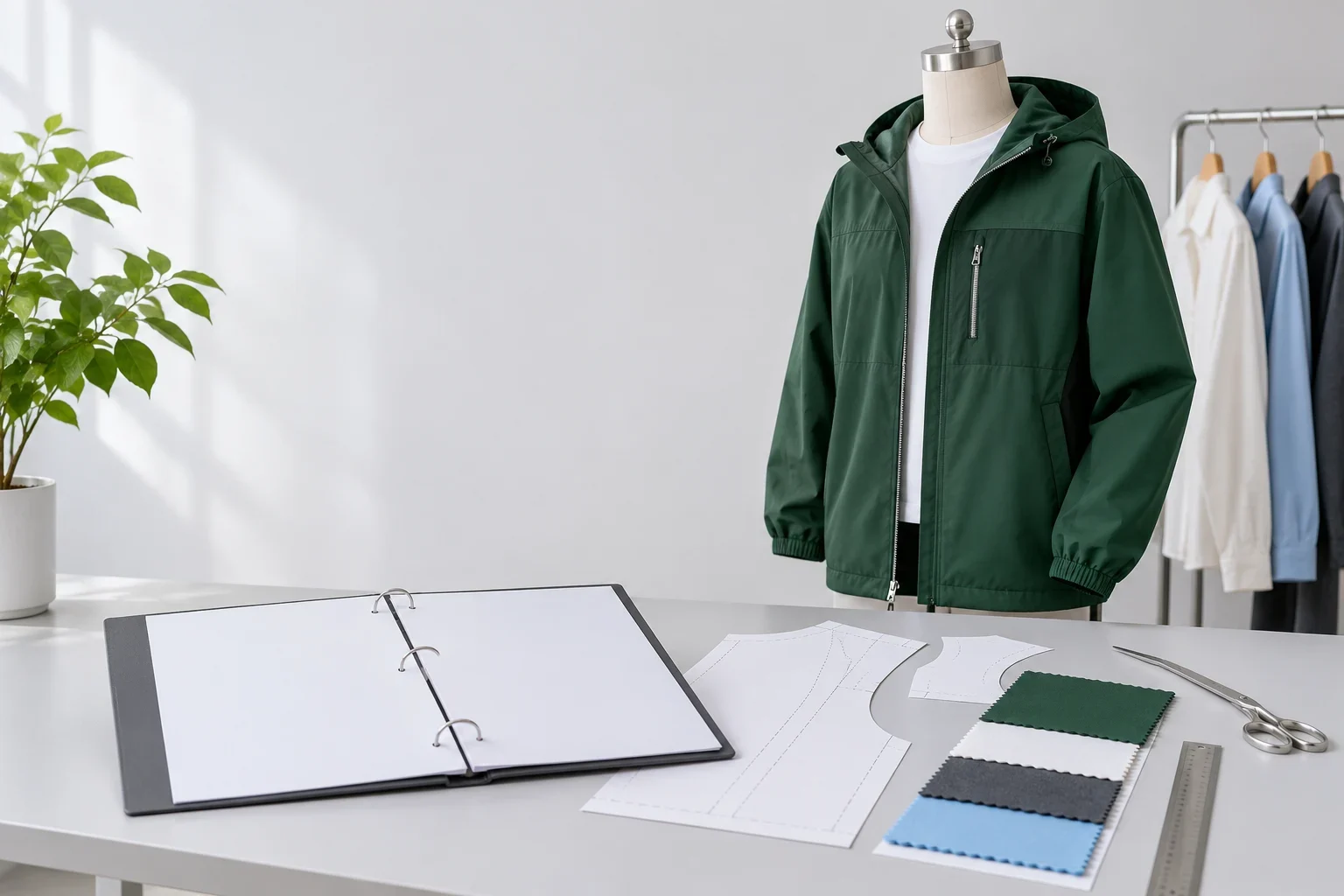
TECH PACK
Design and construction
Garment views, components, assembly details and the requirements that define the style.
SIZE CHART
Measurements and fit
Points of measurement, sizes, grading, tolerances and approval status for the specific garment.
ARTWORK
Decoration and identity
The design file, colors, dimensions, placement and selected decoration requirements.
MATERIAL
Fabric and trim selection
Composition, construction, color references, trim details and required characteristics.
COMMENTS
The next sample revision
Dated fit, construction and finish feedback linked to the sample being reviewed.
PACKING
Order presentation and allocation
Labels, folding, size allocation, carton instructions and relevant ordering details.
REFERENCE / SAMPLE / REVISION
Let the file and the physical reference tell the same story.
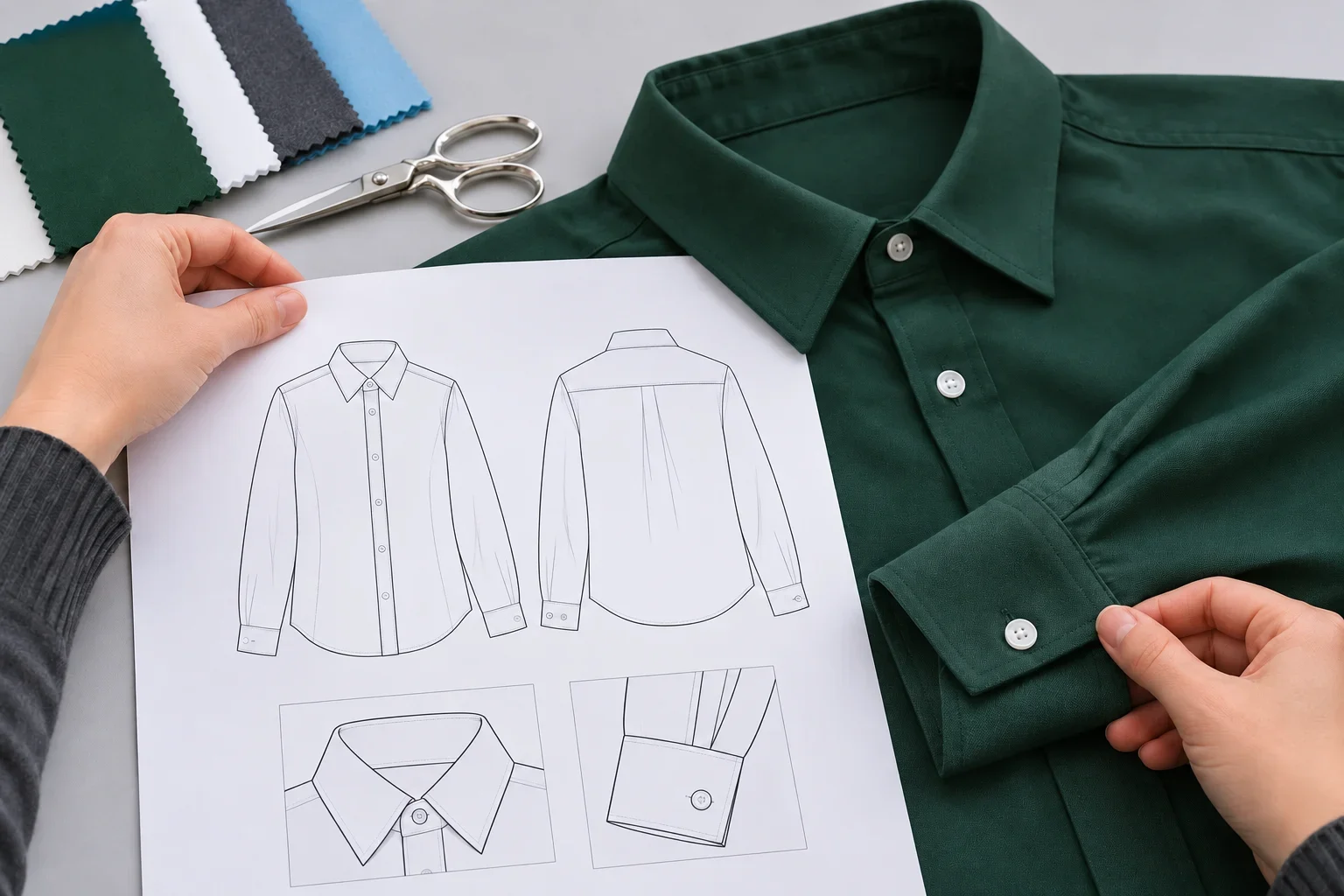
Use a consistent style name and revision date across drawings, measurements and sample comments. A reference image can explain a detail; it does not replace the dimensions and construction requirements.
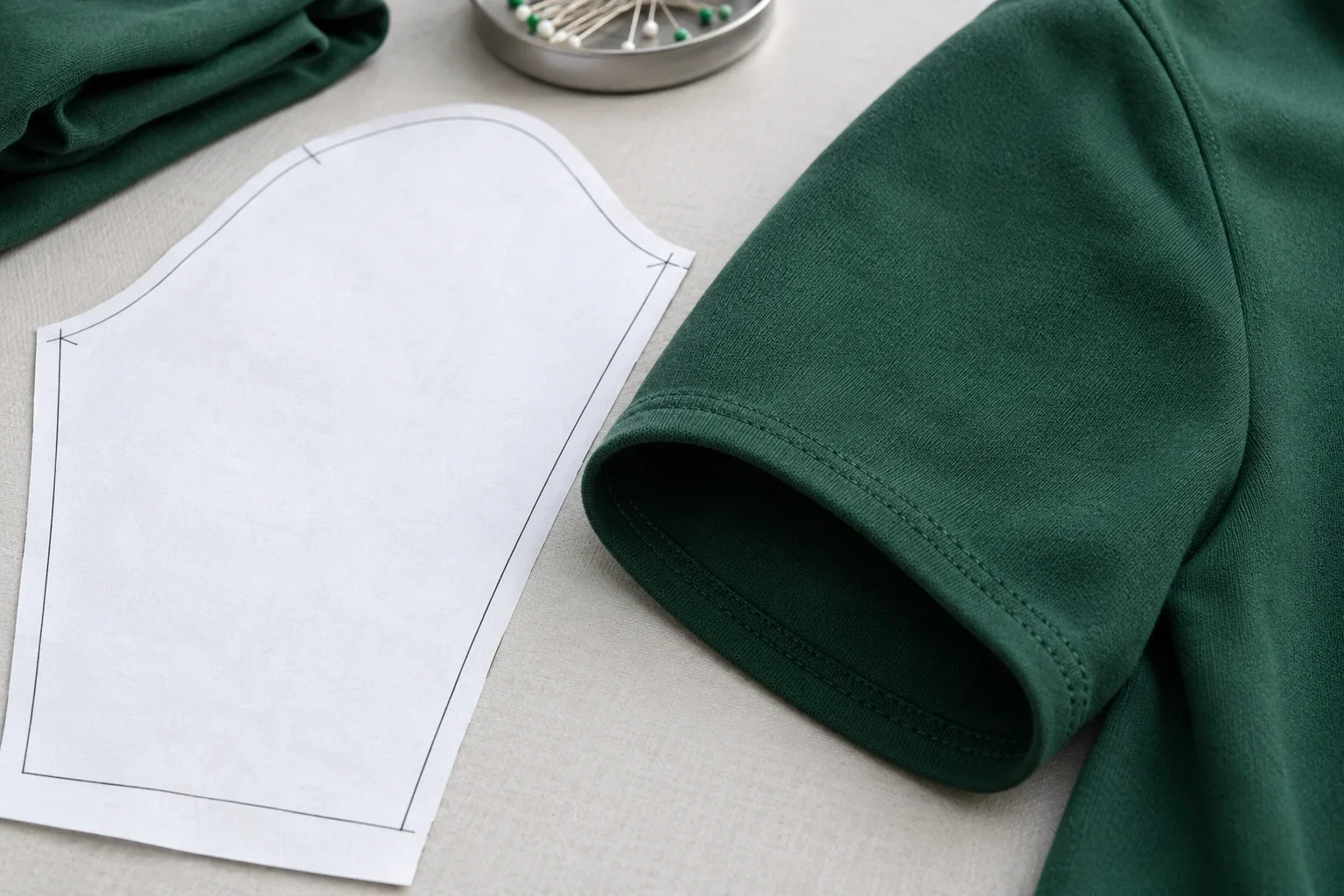
A
Pattern reference
B
Sewn sleeve
A / Pattern reference
B / Sewn sleeve
A
Identify what the file defines
Name the product, component, material reference and version. State whether the information is for discussion, revision or approval.
B
Identify what the sample changes
Link feedback to the sample and file revision. Record accepted changes before the next development or production step.
NAME → COMPARE → RECORD
Make each revision traceable.
01
Name the current reference
Include the style, date, version and relevant approval status when sharing a file.
02
Compare the relevant details
Check measurements, materials, artwork and construction against the sample or specification used for the decision.
03
Resolve differences together
Record the requested change, responsible reviewer and agreed revision. Confirm ownership, confidentiality and sharing permissions.
PRODUCT MATCH / VALIDITY
Request records for the material and order you will use.

Name the exact file required and its purpose: sampling, production, supplier evaluation or a quality review. Confirm availability and access conditions for that request.
MATCH
Connect the record to the product
State the garment, material, size range, intended use, market and project stage. A general fabric category or size chart is not a substitute for the relevant record.
VALIDITY
Check what the record covers
For inspection, test or certification documents, review dates, scope, issuing body, method, criteria and validity where applicable. Confirm that the evidence covers the proposed product and route.
UPLOAD / EMAIL / REQUEST
Share a file—or ask for a specific record.

UPLOAD
One file for review
The inquiry form accepts one PDF, JPG, PNG or WebP file up to 5 MB. Include the garment type and review question.
REQUEST
A product-specific document
State the document, intended use, market, quantity and decision date. Include relevant specifications, materials, decoration and delivery information.
YOUR NEXT STEP
Send the file with a clear review question.
Include the garment, style reference, revision date and decision you need to make. Identify whether you are supplying specifications or requesting a particular record.